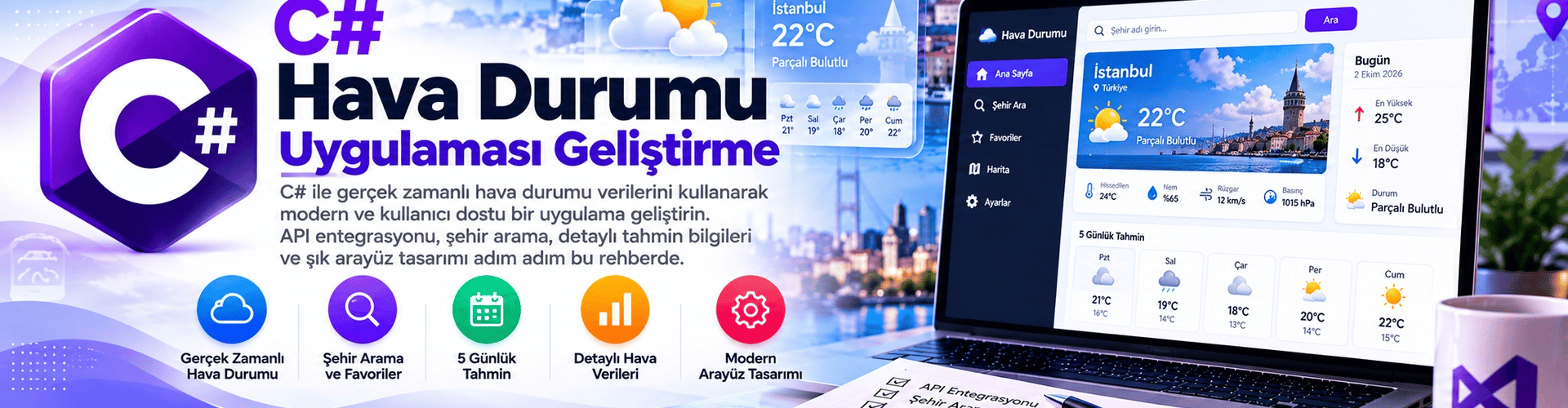
Developing a C# Weather Application
In this tutorial, you will learn step by step how to create a weather application using C# and the OpenWeatherMap API. The app retrieves the current weather for a city entered by the user and displays it.
Step 1: Creating the Project
- First, create a new C# project in an integrated development environment (IDE). You can use a popular IDE such as Visual Studio. Name your project something like "HavaDurumuUygulamasi".
Step 2: Designing the User Interface
- Go to the form designer and add a text box for the user to enter a city. Also add a button named "Hava Durumu Getir".
- To get the city name entered in the text box, double-click the "HavaDurumuGetir" button to go to its click event handler.
Step 3: Using the Weather API
- At this stage, we need to fetch weather data using a weather API. We will use the OpenWeatherMap API as an example.
- Create an API key in your project and get the required key to use the API.
- Add the System.Net.Http library to your project to be able to send HTTP requests.
- Edit the click event handler of the "HavaDurumuGetir" button as follows:
using System;
using System.Net.Http;
using System.Threading.Tasks;
using System.Windows.Forms;

namespace HavaDurumuUygulamasi
{
    public partial class Form1 : Form
    {
        private const string API_KEY = "YOUR_API_KEY"; // API anahtarını buraya ekleyin
        private const string API_URL = "http://api.openweathermap.org/data/2.5/weather";

        public Form1()
        {
            InitializeComponent();
        }

        private async void btnHavaDurumuGetir_Click(object sender, EventArgs e)
        {
            string sehir = txtSehir.Text;
            if (string.IsNullOrEmpty(sehir))
            {
                MessageBox.Show("Lütfen bir şehir adı girin.");
                return;
            }

            using (HttpClient client = new HttpClient())
            {
                string apiUrl = $"{API_URL}?q={sehir}&appid={API_KEY}&units=metric";
                HttpResponseMessage response = await client.GetAsync(apiUrl);

                if (response.IsSuccessStatusCode)
                {
                    string responseContent = await response.Content.ReadAsStringAsync();
                    // Gelen JSON verisini işleme ve kullanıcıya gösterme
                    MessageBox.Show(responseContent);
                }
                else
                {
                    MessageBox.Show("Hava durumu bilgisi alınamadı.");
                }
            }
        }
    }
}
Step 4: Running the Application
At this stage, after the user enters a city name and clicks the "Hava Durumu Getir" button, you will be able to fetch weather data from the OpenWeatherMap API. You need to add more code to process and display the incoming data to the user.
In this tutorial, we learned the basics of creating a weather application using C#. You can use basic skills such as taking user input, sending API requests, and processing incoming data in your own application. You can extend these basic structures when developing a more complex application.
Note: When using the OpenWeatherMap API, you can access accurate and up-to-date data by providing your own API key.