
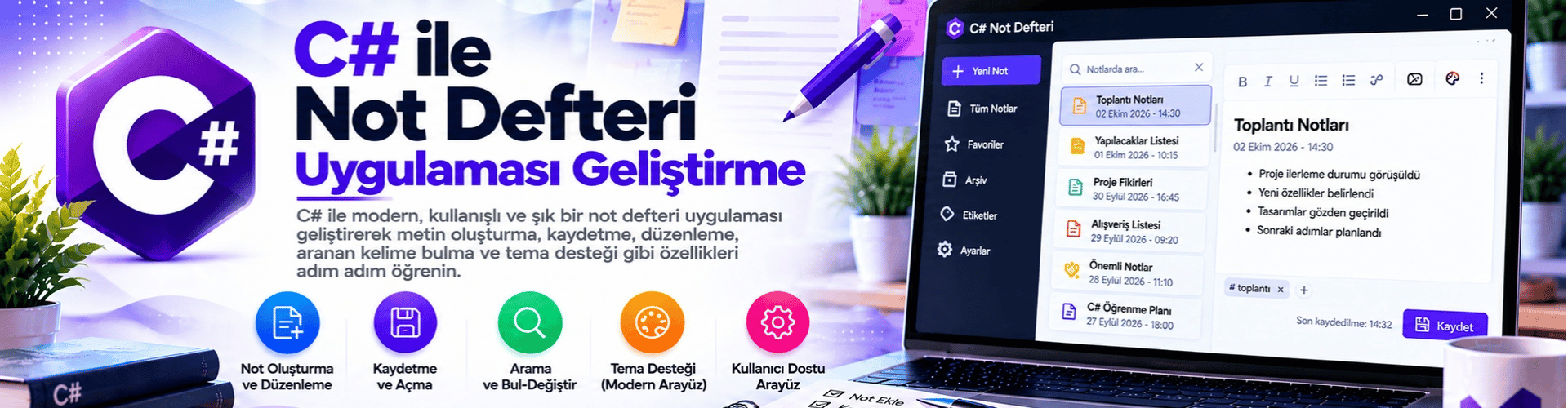
Developing a Simple Notepad Application with C#
Hello! In this article, we will learn step by step how to develop a simple Notepad application using the C# programming language. This application will allow users to create, edit, and save text-based notes.
Step 1: Creating the Project and Designing the User Interface
First, create a C# project in an integrated development environment (IDE). I recommend using an IDE like Visual Studio. Create a new project named "NotDefteriUygulamasi".
After creating the project, add a text box and a "Save" button to the main window of your project. These two components will allow users to enter text and enable you to save the entered text.
Step 2: Text Saving Functionality
We will create the click function for the Save button. When the Save button is clicked, we will save the content from the text box to a file.
Double-click the Save button to access the code section that will run when this button is clicked.
Add the following code to the button's click handler:
private void btnKaydet_Click(object sender, EventArgs e)
{
    try
    {
        string notIcerik = txtNot.Text; // Metin kutusundaki içerik alınıyor.
        string dosyaYolu = "not.txt"; // Notların kaydedileceği dosyanın yolu belirleniyor.

        System.IO.File.WriteAllText(dosyaYolu, notIcerik); // İçerik dosyaya yazılıyor.
        MessageBox.Show("Not kaydedildi."); // Kullanıcıya bilgi veriliyor.
    }
    catch (Exception ex)
    {
        MessageBox.Show("Hata: " + ex.Message); // Hata durumunda kullanıcıya hata mesajı gösteriliyor.
    }
}
Step 3: Text Loading Functionality
Now, we need to ensure that the application loads previously saved notes when it starts.
To call this function when the form loads, follow these steps. Return to the form design and open the properties window to view the events of the main window. Find the "Load" event and double-click it to go to the code editor.
Add the following code inside this event:
private void YukleNot()
{
    string dosyaYolu = "not.txt"; // Okunacak dosyanın yolu belirleniyor.

    if (System.IO.File.Exists(dosyaYolu))
    {
        string notIcerik = System.IO.File.ReadAllText(dosyaYolu); // Dosya içeriği okunuyor.
        txtNot.Text = notIcerik; // Metin kutusuna içerik yazdırılıyor.
    }
}

private void MainForm_Load(object sender, EventArgs e)
{
    YukleNot(); // Form yüklendiğinde notları yükleme işlevi çağrılıyor.
}
Step 4: Running the Application
When you reach this step, you will have completed a simple Notepad application. When you start your application, you will be able to save and load notes written in the text box.
This application can be a great example to understand and use the basic features of the C# programming language. In the future, you can design more advanced applications by using these basic structures when developing more complex projects.