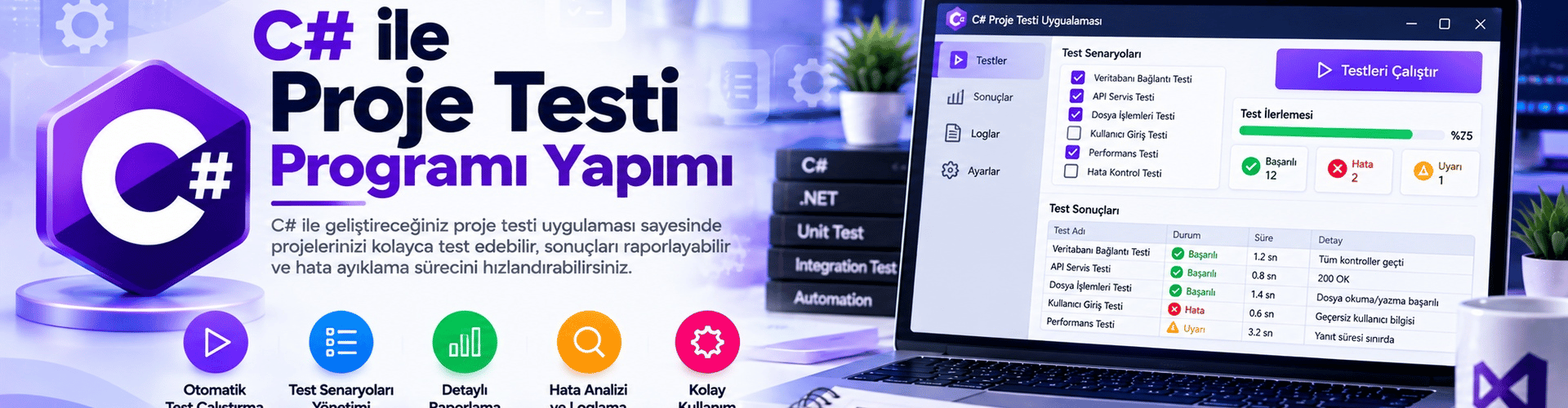
Building a Project Testing Program with C#
In this article, you will learn step by step how to create your own project testing program using C# Windows Forms. The program runs test scenarios, evaluates results, and helps improve quality control in your software development process.
Step 1: Project Creation and UI Design
First, open Visual Studio or your preferred C# development environment. Create a new "Windows Forms App (.NET Framework)" project.
On the form design, add text boxes for the user to enter the project name and test scenario, a button to start testing, and a label to display the results.
Step 2: Form Coding and Creating Test Scenarios
In the form code section, define fields to hold the project name and test scenario entered by the user.
string projeAdi = "";
string testSenaryosu = "";
Add a function that starts the test and displays results when the button is clicked:
private void btnTestiBaslat_Click(object sender, EventArgs e)
{
 projeAdi = txtProjeAdi.Text;
 testSenaryosu = txtTestSenaryosu.Text;

 // Burada test senaryosunu çalıştır ve sonucu değerlendirme işlemleri yapılabilir
 string testSonucu = TestiCalistir();

 lblTestSonucu.Text = testSonucu;
}
Step 3: Running Test Scenarios and Evaluating Results
Create a method that contains the test scenarios you have created:
private string TestiCalistir()
{
 // Burada projenizin test senaryosunu çalıştırmak için gereken işlemleri yapabilirsiniz
 // Örnek olarak bir dizi test adımı ve sonuçları:

 string testSonucu = "Test Senaryosu: " + testSenaryosu + "\n\n";

 // Test adımı 1
 bool adim1Basarili = TestAdimi1();
 testSonucu += "1. Adım: " + (adim1Basarili ? "Başarılı" : "Başarısız") + "\n";

 // Test adımı 2
 bool adim2Basarili = TestAdimi2();
 testSonucu += "2. Adım: " + (adim2Basarili ? "Başarılı" : "Başarısız") + "\n";

 // ...

 // Toplam test sonucu değerlendirmesi
 bool testBasarili = adim1Basarili && adim2Basarili /* && ... */;
 testSonucu += "\nToplam Test Sonucu: " + (testBasarili ? "BAŞARILI" : "BAŞARISIZ");

 return testSonucu;
}
Create separate methods to run the test scenarios:
private bool TestAdimi1()
{
 // İlk test adımının gerçekleştirildiği kodlar burada yer alabilir
 return true; // veya false, adımın sonucuna göre
}

private bool TestAdimi2()
{
 // İkinci test adımının gerçekleştirildiği kodlar burada yer alabilir
 return true; // veya false, adımın sonucuna göre
}

// ...
Step 4: Testing the Project Testing Program
Fill in the interface: Name the project and enter the test scenario.
Click the "Start Test" button to run the test.
View the results: The program will present the results obtained after running the test scenarios.
You have built your own Project Testing Program with C#. This application helps you test your projects, detect errors faster, and improve quality control in your software development process.