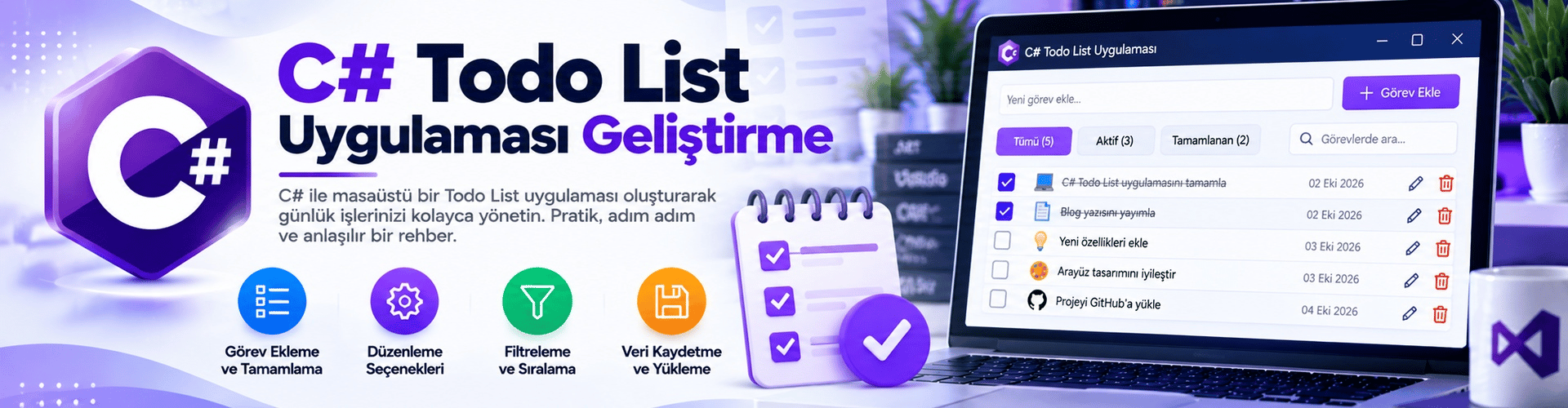
Developing a To-Do List (Todo List) Application with C#
In daily life, to-do lists are very useful tools for organizing and planning tasks. In this guide, you will learn step by step how to develop a simple to-do list application using the C# programming language. This application allows users to add, list, and delete tasks.
Step 1: Project Creation and Interface Design
First, open Visual Studio or your preferred C# development environment. Create a new "Windows Forms App (.NET Framework)" project and give it a name.
Design the form to create the application's interface. Here are the basic interface elements:
- A TextBox: For users to enter tasks.
- A Button ("Add"): To add new tasks to the list.
- A ListBox: To display the added tasks.
- A Button ("Delete"): To remove the selected task from the list.
Step 2: Data Structure and List Update
Switch to the code-behind of the form. Create a List<string> to hold the to-do list.
private List<string> yapilacaklarListesi = new List<string>();When the "Add" button is clicked, add the new task to your list:
private void btnEkle_Click(object sender, EventArgs e)
{
 string yapilacak = txtYapilacak.Text.Trim();
 if (!string.IsNullOrEmpty(yapilacak))
 {
 yapilacaklarListesi.Add(yapilacak);
 ListeyiGuncelle();
 txtYapilacak.Clear();
 }
}
Use the "Delete" button to remove the selected task from the list:
private void btnSil_Click(object sender, EventArgs e)
{
 if (lstYapilacaklar.SelectedIndex != -1)
 {
 yapilacaklarListesi.RemoveAt(lstYapilacaklar.SelectedIndex);
 ListeyiGuncelle();
 }
}
Create a method that lists the tasks:
private void ListeyiGuncelle()
{
 lstYapilacaklar.Items.Clear();
 foreach (string yapilacak in yapilacaklarListesi)
 {
 lstYapilacaklar.Items.Add(yapilacak);
 }
}
Step 3: Testing the Application
Fill the interface: Enter tasks into the text box and press the "Add" button.
View the added tasks in the list.
Select a task from the list and press the "Delete" button to remove it.
That's it! You have developed a simple "To-Do List (Todo List) Application" with C#. You can enhance this application by adding more features, such as saving and loading tasks. This guide will help you develop an application using basic data structures in C#.