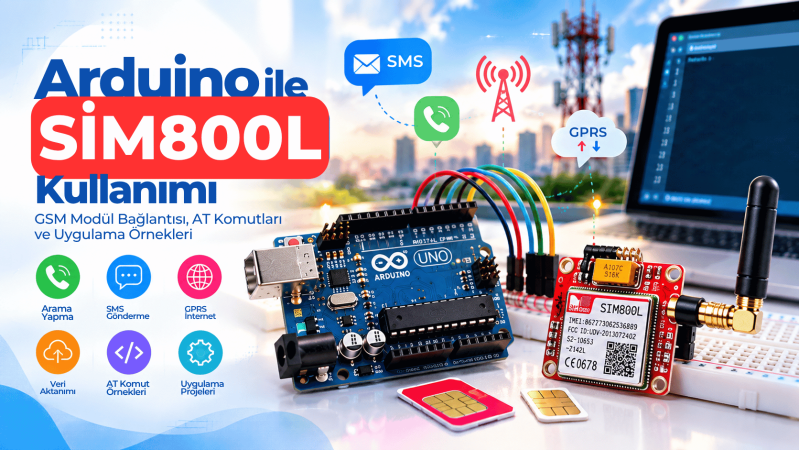
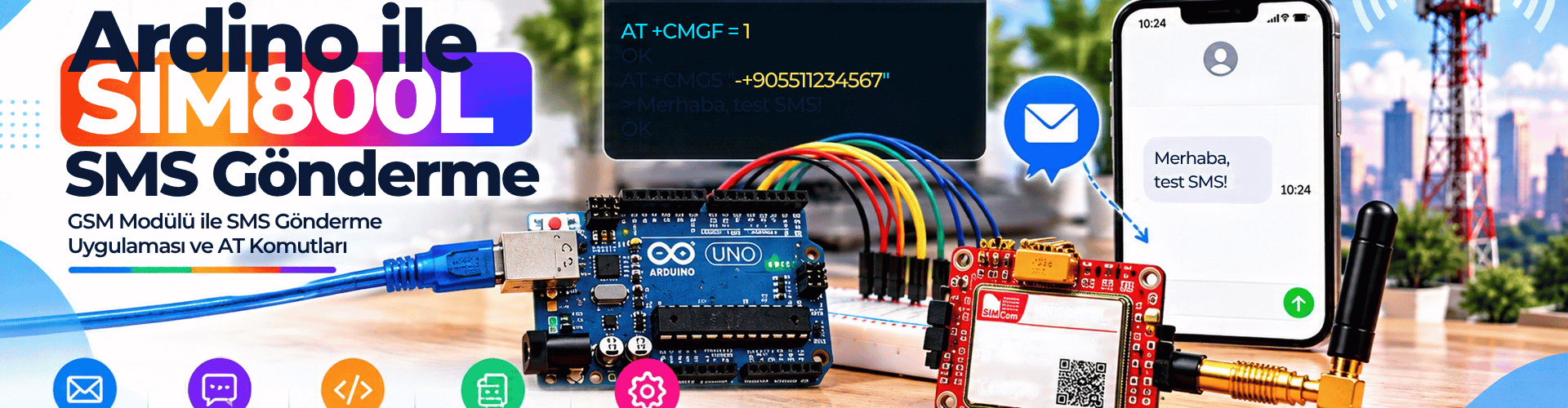
The SIM800L is a low-cost GSM/GPRS module that turns an Arduino into a simple SMS gateway. It is widely used in remote alarm, notification, and control systems. However, many projects fail not because of code, but because of weak power supplies, poor grounding, or incorrect serial wiring. This guide covers hardware connections, a robust Arduino sketch, and troubleshooting steps so you can send SMS messages reliably.
SIM800L Power Requirements and Stability Tips
The SIM800L can draw peak currents up to 2A during transmission, even though its average consumption is lower. Supply voltage must stay between 3.7V and 4.2V. A 5V Arduino pin or 3.3V pin cannot safely power it. An adjustable LM2596 buck converter may work, but potentiometer drift can cause voltage shifts over time. A fixed-output regulator or a Li-ion battery with sufficient current capability is preferred. Place a 470µF or larger low-ESR capacitor near VCC and GND; if the module resets during transmission, replace it with 1000µF. Also use a proper GSM antenna instead of the small PCB spiral antenna.
Arduino and SIM800L Wiring Diagram
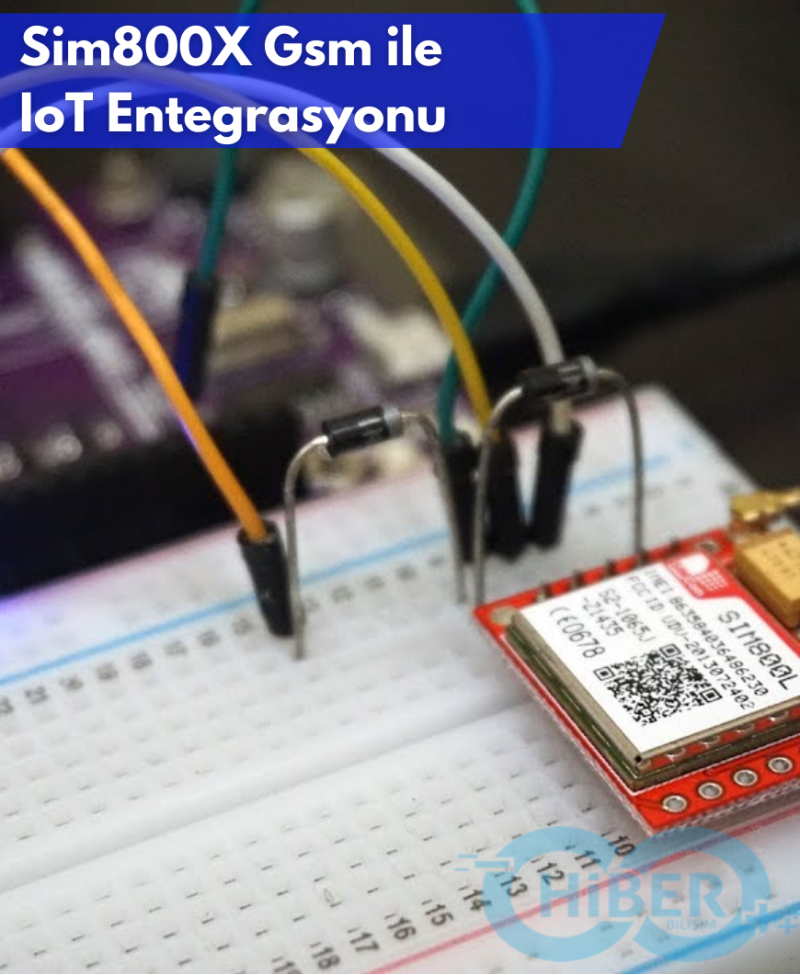
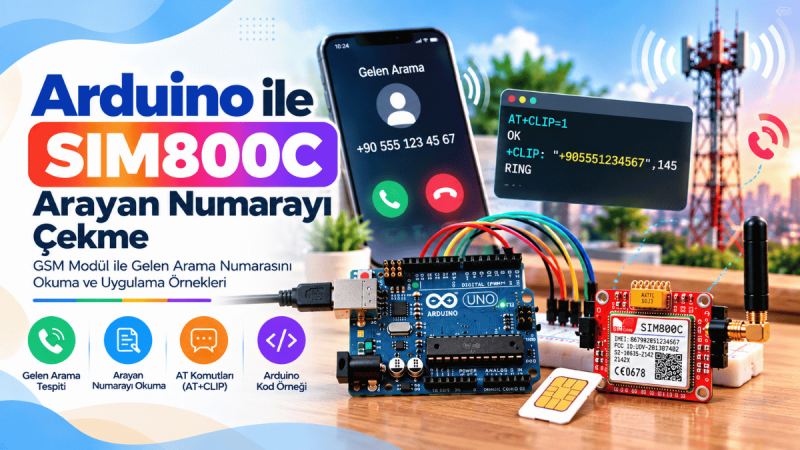
SIM800L uses 3.3V logic, while most Arduino boards operate at 5V. Although many tutorials connect them directly, for long-term reliability use a 5V-to-3.3V level shifter or at least a voltage divider on the Arduino TX line. Connect SIM800L TX to Arduino pin 10, SIM800L RX to Arduino pin 11, and join all GND pins together. Use a separate power supply for the module. For the button, connect one leg to Arduino pin 7 and the other to GND; the sketch enables INPUT_PULLUP. An optional LED on pin 13 shows when an SMS is being sent.
Arduino SIM800L SMS Sending Code (Improved)
This sketch avoids fixed delays where possible, waits for the > prompt, and checks each AT response. Replace PHONE_NUMBER with the recipient number. Before uploading, make sure the SoftwareSerial library is installed.
Code Highlights
Button debounce prevents multiple SMS messages from one press. The waitForResponse() helper reads and displays module responses while searching for a keyword. A sendATCommand() helper sends commands and checks for OK. Final SMS delivery waits for OK after Ctrl+Z.
Complete Sketch
#include

#define RX_PIN 10   // SIM800L TX -> Arduino pin 10
#define TX_PIN 11   // SIM800L RX -> Arduino pin 11
#define BUTTON_PIN 7 // Active-low button connected to GND
#define LED_PIN 13   // Status LED (optional)

const char PHONE_NUMBER[] = "+90XXXXXXXXXX";  // Replace with target number
const char MESSAGE_TEXT[] = "SIM800L test message";

SoftwareSerial sim800l(RX_PIN, TX_PIN);

bool lastButtonState = HIGH;
bool buttonState = HIGH;
unsigned long lastDebounceTime = 0;
const unsigned long debounceDelay = 50;

bool waitForResponse(const char* expected, unsigned long timeout) {
  String buffer = "";
  unsigned long startMillis = millis();
  while (millis() - startMillis < timeout) {
    while (sim800l.available()) {
      char c = sim800l.read();
      Serial.write(c);
      buffer += c;
    }
    if (buffer.indexOf(expected) != -1) return true;
    if (buffer.indexOf("ERROR") != -1) return false;
  }
  return false;
}

bool sendATCommand(const char* command, unsigned long timeout = 1000) {
  sim800l.println(command);
  return waitForResponse("OK", timeout);
}

bool sendSMS(const char* number, const char* message) {
  Serial.println("Starting SMS transmission...");

  if (!sendATCommand("AT")) {
    Serial.println("Module is not responding.");
    return false;
  }

  if (!sendATCommand("AT+CMGF=1")) {
    Serial.println("Failed to enable text mode.");
    return false;
  }

  sim800l.print("AT+CMGS=");
  sim800l.print('"');
  sim800l.print(number);
  sim800l.print('"');
  sim800l.println();

  if (!waitForResponse(">", 5000)) {
    Serial.println("Error: '>' prompt not received.");
    return false;
  }

  sim800l.print(message);
  delay(100);
  sim800l.write(26);
  delay(100);

  return waitForResponse("OK", 5000);
}

void setup() {
  pinMode(BUTTON_PIN, INPUT_PULLUP);
  pinMode(LED_PIN, OUTPUT);
  digitalWrite(LED_PIN, LOW);

  Serial.begin(9600);
  while (!Serial) { }

  sim800l.begin(9600);
  delay(1000);

  Serial.println("SIM800L SMS Sender Started");

  if (sendATCommand("AT")) {
    Serial.println("SIM800L is ready.");
  } else {
    Serial.println("Warning: SIM800L not responding. Check power and wiring.");
  }
}

void loop() {
  bool reading = digitalRead(BUTTON_PIN);

  if (reading != lastButtonState) {
    lastDebounceTime = millis();
  }

  if ((millis() - lastDebounceTime) > debounceDelay) {
    if (reading != buttonState) {
      buttonState = reading;
      if (buttonState == LOW) {
        Serial.println("Button pressed, sending SMS...");
        digitalWrite(LED_PIN, HIGH);
        bool success = sendSMS(PHONE_NUMBER, MESSAGE_TEXT);
        if (success) {
          Serial.println("SMS sent successfully.");
        } else {
          Serial.println("SMS sending failed.");
        }
        digitalWrite(LED_PIN, LOW);
      }
    }
  }

  lastButtonState = reading;

  while (sim800l.available()) {
    Serial.write(sim800l.read());
  }
}
Common SIM800L SMS Errors and Solutions
Even with correct wiring, SIM800L can fail silently. Use the following checklist:
<ul>
<li><strong>Power:</strong> 3.7–4.2V, at least 2A peak, common ground.</li>
<li><strong>Wiring:</strong> TX/RX crossed; use a level shifter if needed.</li>
<li><strong>Antenna:</strong> external GSM antenna, not just the PCB trace.</li>
<li><strong>SIM card:</strong> inserted correctly, no PIN lock, active SMS plan.</li>
<li><strong>Network:</strong> fast LED blink means searching, slow blink means registered.</li>
<li><strong>AT check:</strong> open Serial Monitor at 9600, send AT and expect OK.</li>
</ul>
SIM800L is still relevant for SMS-based notifications where Wi-Fi or LoRa are unavailable. By using a stable power source, common ground, proper antenna, and the improved sketch with response checking, you can avoid most startup and runtime failures. The module is not ideal for high-throughput data, but it is a solid low-bandwidth communication option.
Build the circuit, test the code, and leave a comment below with your project details or troubleshooting questions.