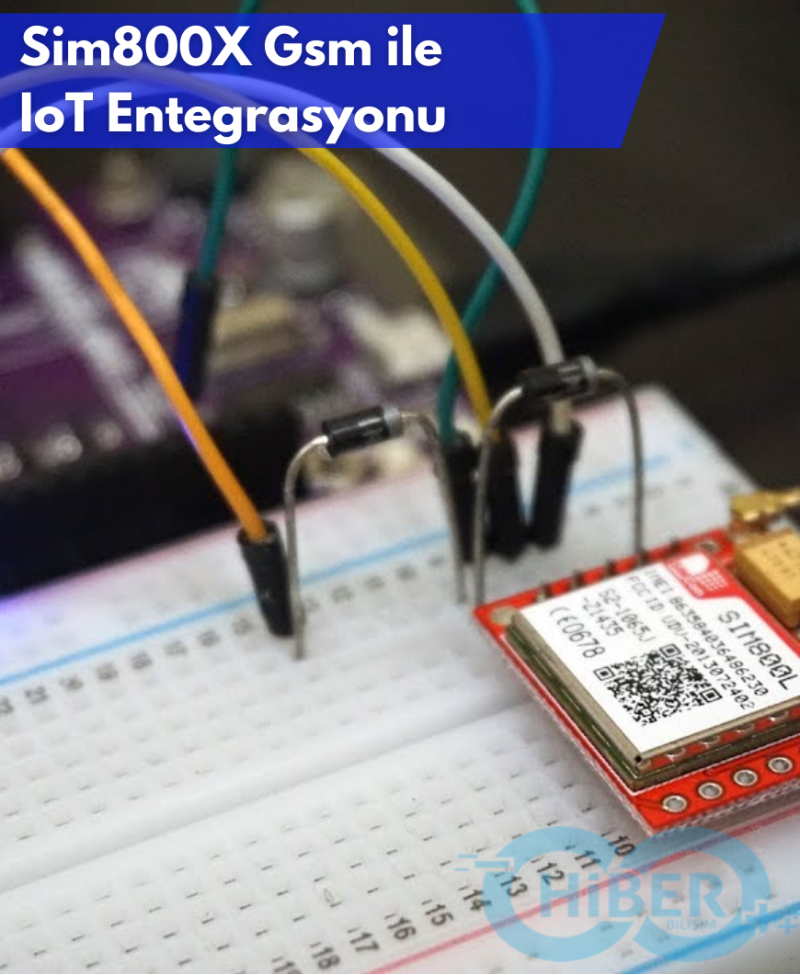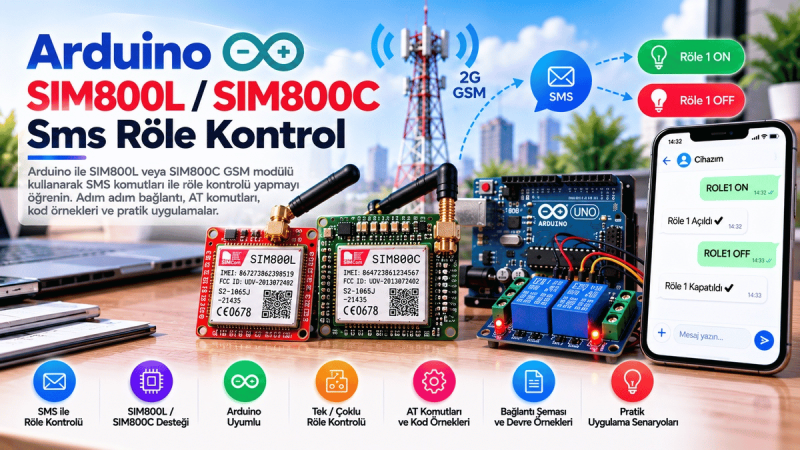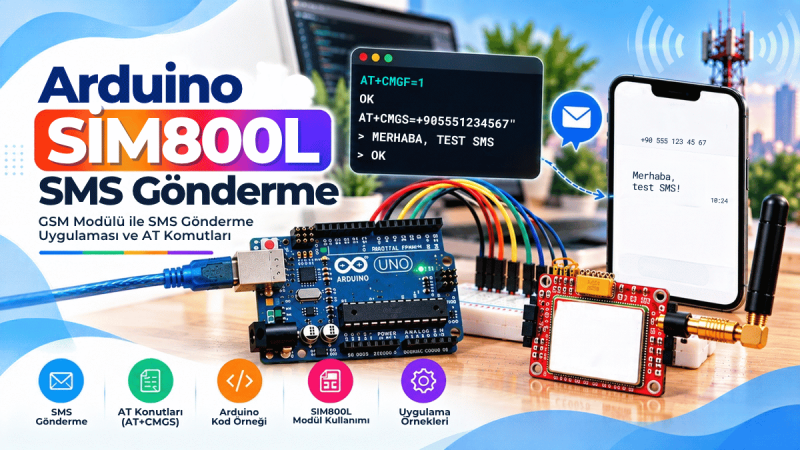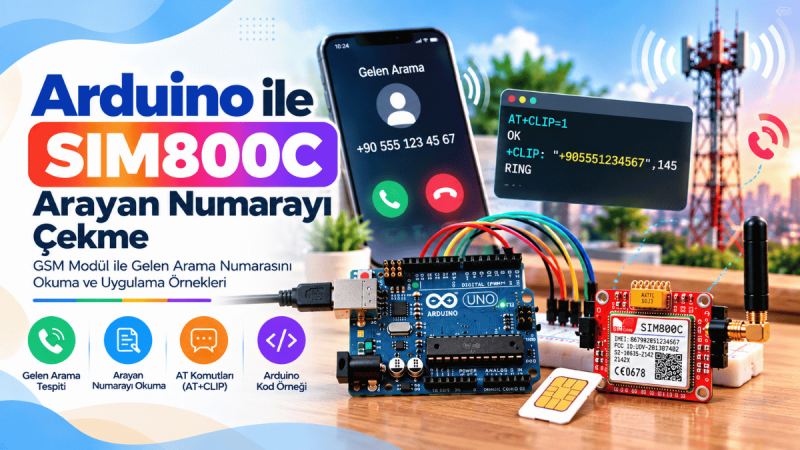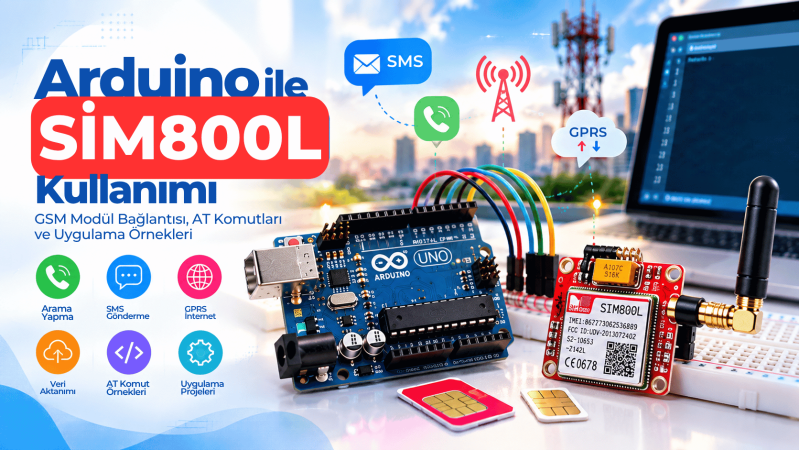

When your IoT project sits in a remote location without Wi-Fi or Ethernet, cellular connectivity becomes the only practical link. The TTGo SIM800 GPRS module turns that challenge into an opportunity: with a standard SIM card and a handful of AT commands, you can send sensor data, GPS fixes, or status messages to any web server. This guide focuses on sending HTTP GET and POST requests from the SIM800 using GPRS. You will learn how to configure the APN, open a GPRS bearer, issue HTTP requests, handle responses, and integrate everything into Arduino or ESP32 firmware.
How SIM800 GPRS HTTP Requests Work
The SIM800 is a quad-band GSM/GPRS module. It communicates with a microcontroller over a UART interface using AT commands. To reach the internet, it first attaches to the mobile network and then establishes a GPRS packet data connection. Once the GPRS bearer is active, the module's built-in HTTP stack can perform GET, POST, and HEAD requests without an external TCP/IP library. The TTGo SIM800 development board usually powers on automatically when the supply is connected, but network registration and readiness can take about 10 seconds. Always wait before sending commands. A stable power supply is critical because GSM transmit bursts can draw high peak currents, often around 2 A; an inadequate supply is a common cause of random resets and failed HTTP actions.
Configure GPRS and APN on TTGo SIM800
GPRS is the packet-oriented data service used by SIM800 for internet access. Before starting HTTP communication, you must set the connection type, APN, and optionally credentials. The APN (Access Point Name) is the gateway provided by your mobile operator; you can usually find it on the operator's support page. The main configuration commands are: AT+SAPBR=3,1,Contype,"GPRS" – sets the bearer type. AT+SAPBR=3,1,APN,"your.apn" – sets the APN. AT+SAPBR=3,1,USER,"username" – sets APN username if required. AT+SAPBR=3,1,PWD,"password" – sets APN password if required.
Many operators use empty username and password; in that case just omit the USER and PWD commands. After configuring, open the bearer with AT+SAPBR=1,1 and verify it with AT+SAPBR=2,1. It is good practice to close the bearer after data transfer with AT+SAPBR=0,1 to reduce power consumption and avoid unnecessary billing.
Sending HTTP POST and GET Requests with AT Commands
Once the GPRS bearer is active, initialize the HTTP service with AT+HTTPINIT. Then set the context identifier with AT+HTTPPARA=CID,1 — usually always 1 — and the target URL with AT+HTTPPARA=URL,"http://yourserver.com/endpoint". If the server uses a non-standard port, append it as :8080. For POST with form-encoded data, set AT+HTTPPARA=CONTENT,application/x-www-form-urlencoded. Then tell the module how many bytes to expect with AT+HTTPDATA=length,timeout. The timeout is in milliseconds and should be generous; 10,000 ms works in most networks. After this command, the module waits for exactly the declared number of bytes. Send your POST body, for example temp=23.5&hum=41. Start the request with AT+HTTPACTION=1 (0 = GET, 1 = POST, 2 = HEAD). The response from the module includes a status code and data length. Read the server response with AT+HTTPREAD. End with AT+HTTPTERM and close the bearer.
Arduino and ESP32 Example Code for TTGo SIM800
The following ESP32 code implements the full flow. It uses HardwareSerial on pins 27/26, waits for network registration, configures GPRS, then sends a POST request every 30 seconds. The helper function sendAT() prints each command and its response, which is invaluable for debugging.
#include

// TTGo SIM800 pin definitions
#define SIM800_RX 27
#define SIM800_TX 26
#define SIM800_PWRKEY 4
#define SIM800_RST 5
#define SIM800_POWER 23

const String apn = "internet";                 // replace with your APN
const String apnUser = "";
const String apnPass = "";
const String serverUrl = "http://example.com/sim800.php";

// Send an AT command and return the response (blocking)
String sendAT(String command, uint32_t timeoutMs = 3000) {
  String response = "";
  Serial.println(">> " + command);
  Serial2.println(command);

  uint32_t start = millis();
  while (millis() - start < timeoutMs) {
    while (Serial2.available()) {
      char c = Serial2.read();
      response += c;
      Serial.write(c);
    }
  }
  Serial.println();
  return response;
}

bool configureGPRS() {
  sendAT("AT+CMEE=2");                            // detailed error codes
  sendAT("AT+SAPBR=3,1,Contype,GPRS");
  sendAT("AT+SAPBR=3,1,APN," + apn);
  if (apnUser.length() > 0) sendAT("AT+SAPBR=3,1,USER," + apnUser);
  if (apnPass.length() > 0) sendAT("AT+SAPBR=3,1,PWD," + apnPass);
  return true;
}

bool httpPost(String postData) {
  sendAT("AT+SAPBR=1,1");                        // open GPRS bearer
  delay(1500);
  sendAT("AT+HTTPINIT");
  sendAT("AT+HTTPPARA=CID,1");
  sendAT("AT+HTTPPARA=URL," + serverUrl);
  sendAT("AT+HTTPPARA=CONTENT,application/x-www-form-urlencoded");
  sendAT("AT+HTTPDATA=" + String(postData.length()) + ",10000");
  sendAT(postData);
  sendAT("AT+HTTPACTION=1");                     // 1 = POST
  sendAT("AT+HTTPREAD");
  sendAT("AT+HTTPTERM");
  sendAT("AT+SAPBR=0,1");                        // close bearer
  return true;
}

void setup() {
  pinMode(SIM800_POWER, OUTPUT);
  digitalWrite(SIM800_POWER, HIGH);
  Serial.begin(115200);
  Serial2.begin(9600, SERIAL_8N1, SIM800_TX, SIM800_RX);

  delay(15000); // wait for network registration
  while (Serial2.available()) Serial.write(Serial2.read());

  configureGPRS();
}

void loop() {
  httpPost("temp=23.5&hum=41&sensor=outdoor");
  delay(30000); // adjust interval as needed
}
SSL and HTTPS: What You Need to Know
SIM800 supports SSL/TLS for HTTPS connections, but with important limitations. Older firmware versions may not support SSL at all. Supported versions generally include TLS 1.0, SSL 2.0, and SSL 3.0; modern servers that require TLS 1.2 may reject the module. To enable SSL, send AT+HTTPSSL=1 before AT+HTTPACTION and make sure the URL starts with https://. If you use a self-signed certificate, you can disable certificate verification with AT+SSLOPT=0,1, but only do this in controlled test environments. For production, consider uploading your own CA certificate to the module's file system or use a server that supports the module's TLS versions.
The TTGo SIM800 GPRS module gives your Arduino or ESP32 projects a practical cellular data path. By mastering the SAPBR and HTTP AT commands, you can reliably send POST and GET requests from almost anywhere with GSM coverage. Start with a stable power supply, verify your APN, debug with the serial monitor, and close the GPRS bearer after each transfer. Then expand to HTTPS with the module's SSL capabilities if your server is compatible.
Have you built a remote sensor node with SIM800? Test the example code with your APN and share your results or questions below.