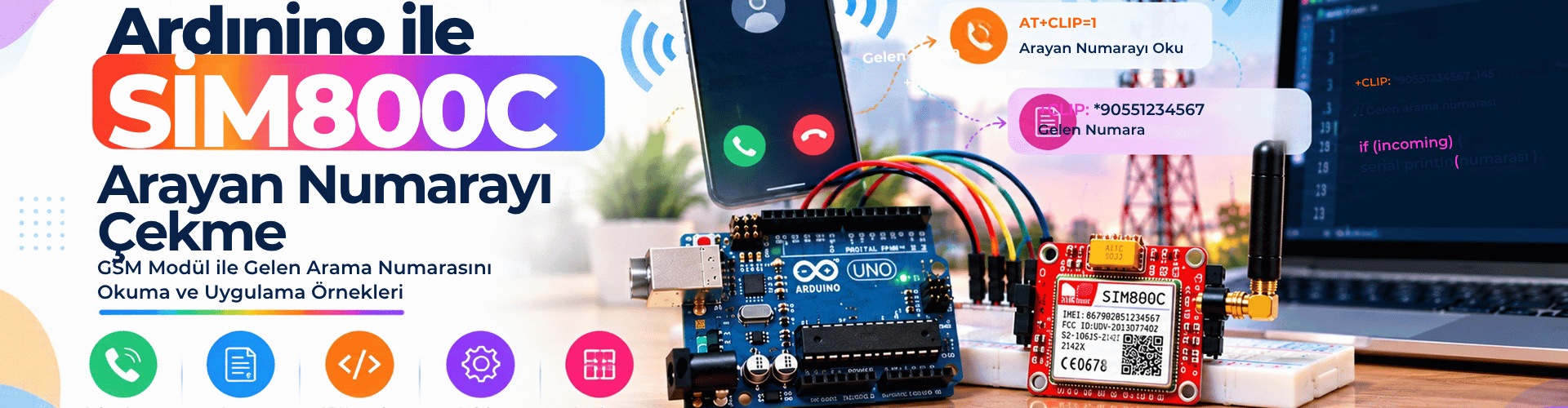
Retrieving the caller number with an Arduino and a SIM800C GSM module is a practical skill for call screening, remote monitoring, and access control projects. When a call arrives, the module sends unsolicited result codes that include the caller number. With the right wiring, AT commands, and parsing logic, you can capture that number and use it to trigger actions, save logs, or filter incoming calls. This guide explains how SIM800C reports caller information, how to wire the module safely, and how to write Arduino code that reliably extracts the caller number from the CLIP response.
How SIM800C Reports an Incoming Call
When a call reaches the SIM800C, the module does not simply expose the number as a clean variable. Instead, it sends unsolicited result codes over the serial interface. A typical incoming call sequence looks like this:
RING
+CLIP: "+905468422222",145,"",0,"",0
The RING line indicates an incoming call. The +CLIP line contains the caller ID information. In this example, the caller number is +905468422222. The number format depends on the network and the SIM card’s country code; your network may send a local or international number. To receive the +CLIP line, caller ID presentation must be enabled with the AT+CLIP=1 command. Some networks and SIM plans may block caller ID or require a subscription feature, so test with a known number first.
Wiring and Power Considerations for SIM800C
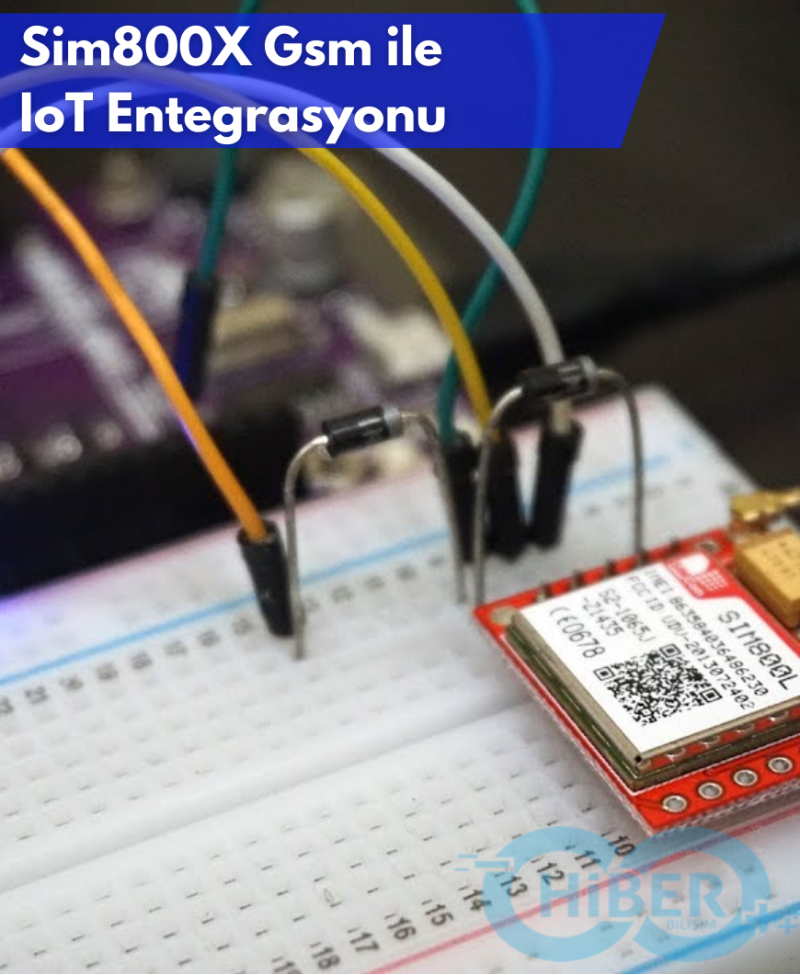
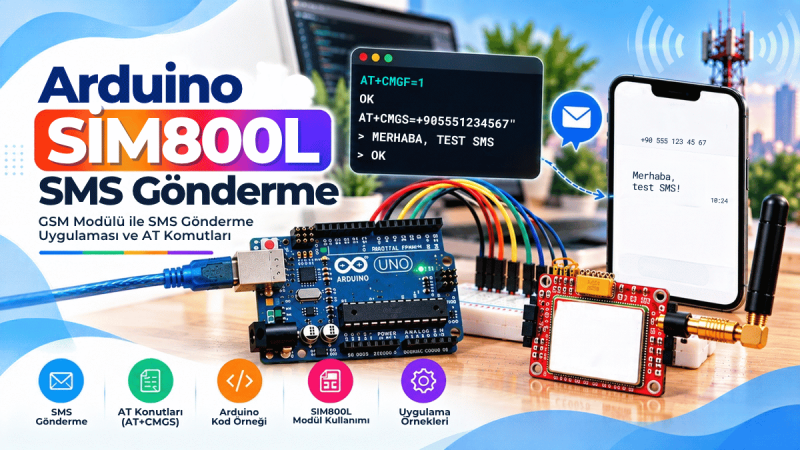
<p>The SIM800C communicates with Arduino over a simple asynchronous serial connection. In this example we use Arduino pins 10 and 11 with SoftwareSerial because the hardware serial port remains available for debugging.</p><ul><li>SIM800C TX → Arduino pin 10</li><li>SIM800C RX → Arduino pin 11</li><li>SIM800C GND → Arduino GND</li></ul><p>Power is the most common cause of SIM800C instability. The module can draw current peaks of up to <strong>2 A</strong> during transmission. Supply it with a stable voltage in the range of <strong>3.7 V to 4.2 V</strong> when using the Li-ion battery input, or according to your module’s datasheet when powering through the VCC pin. Avoid thin jumper wires for power; use short, quality cables and place a large electrolytic capacitor near the module if you see resets. Do not forget the <strong>PWRKEY</strong> pin — it must be pulled low briefly to start the module after applying power.</p>
Initializing the Module and Enabling Caller ID
Before parsing caller numbers, make sure the SIM800C is registered on the network and the SIM card is detected. The setup routine sends several basic AT commands:
AT— basic module testAT+CSQ— signal qualityAT+CCID— SIM card integrated circuit identifierAT+CREG?— network registration statusAT+CBC— battery charge and voltageAT+CLIP=1— enable caller ID presentation
These commands help you confirm that the module, SIM card, and antenna are working before you wait for calls. If AT+CREG? returns +CREG: 0,1 or +CREG: 0,5, the module is registered on the home network or roaming. If it returns +CREG: 0,0, check the antenna and SIM activation.
Parsing the +CLIP Response with Arduino
The older approach of scanning character by character for the country code +90 works only for Turkish numbers and can cause buffer corruption if the captured number is not reset after every call. A more robust method is to read complete lines from the GSM module and extract the number from the +CLIP: line. The Arduino code below accumulates incoming characters into a string until a newline is received, then calls a parser function. The parser checks whether the line starts with +CLIP: and extracts the text between the first pair of double quotes. This gives you the exact caller number regardless of country code or number length.
The same parser can also handle the RING line separately, so you can trigger an LED or relay while the phone is still ringing.
Complete Arduino Code for Caller Number Retrieval
/*
 * Arduino SIM800C Caller Number Retrieval
 * Reads +CLIP unsolicited result codes and extracts the caller number.
 *
 * Connections:
 * SIM800C TX -> Arduino pin 10 (SoftwareSerial RX)
 * SIM800C RX -> Arduino pin 11 (SoftwareSerial TX)
 * SIM800C GND -> Arduino GND
 * Power SIM800C with 3.7-4.2V 2A or module VCC according to datasheet.
 * PWRKEY must be pulled low briefly to start the module.
 */

#include

#define SIM800C_RX_PIN 10   // Arduino RX connected to SIM800C TX
#define SIM800C_TX_PIN 11   // Arduino TX connected to SIM800C RX
#define BAUD_RATE 9600

SoftwareSerial sim800c(SIM800C_RX_PIN, SIM800C_TX_PIN);

String serialBuffer = "";

void setup() {
  Serial.begin(BAUD_RATE);
  sim800c.begin(BAUD_RATE);
  Serial.println(F("SIM800C Caller ID Demo"));
  delay(1000);

  // Basic module checks
  sendATCommand("AT");
  sendATCommand("AT+CSQ");
  sendATCommand("AT+CCID");
  sendATCommand("AT+CREG?");
  sendATCommand("AT+CBC");

  // Enable caller ID presentation
  sim800c.println("AT+CLIP=1");
  readModuleResponse(500);
  Serial.println(F("Waiting for incoming calls..."));
}

void loop() {
  processIncomingData();
  delay(20);
}

void processIncomingData() {
  while (sim800c.available()) {
    char c = sim800c.read();
    if (c == '\n') {
      parseLine(serialBuffer);
      serialBuffer = "";
    } else if (c != '\r') {
      serialBuffer += c;
    }
  }
}

void parseLine(const String &line) {
  // Example line: +CLIP: "+905468422222",145,"",0,"",0
  if (line.startsWith("+CLIP:")) {
    int firstQuote = line.indexOf('"');
    int secondQuote = line.indexOf('"', firstQuote + 1);
    if (firstQuote != -1 && secondQuote != -1) {
      String callerNumber = line.substring(firstQuote + 1, secondQuote);
      Serial.print("Incoming call from: ");
      Serial.println(callerNumber);

      // Add your own action here
      // e.g. compare callerNumber to a whitelist, trigger relay, log to SD...
    }
  } else if (line.startsWith("RING")) {
    // Optional: visual indicator of ringing
    Serial.println("Ringing...");
  }
}

void sendATCommand(const char *command) {
  sim800c.println(command);
  readModuleResponse(700);
}

void readModuleResponse(unsigned long waitMs) {
  unsigned long startMillis = millis();
  while (millis() - startMillis < waitMs) {
    while (sim800c.available()) {
      Serial.write(sim800c.read());
    }
  }
}
Testing the Setup and Troubleshooting
Upload the code to your Arduino and open the Serial Monitor at 9600 baud. After the initialization sequence, call the SIM card number from your phone. You should see the Ringer line and then the incoming number printed. If you do not see the number:
- Make sure
AT+CLIP=1was sent and the module returnedOK. - Check that your SIM plan supports caller ID presentation. Some networks hide the number for privacy.
- Verify the SIM800C is registered on the network with
AT+CREG?. - Improve the power supply. A weak supply often causes the module to reset before sending +CLIP.
- Avoid using long SoftwareSerial cables; keep them under 20 cm when possible.
If you need to store the number, use the extracted callerNumber string inside the parser or copy it into a char buffer. Avoid frequent String concatenation in production code if memory is limited; for simple prototypes, this approach is acceptable and easy to understand.
Capturing caller numbers with Arduino and SIM800C is a valuable building block for GSM-based automation projects. Instead of hard-coding a country code and reading raw characters, this improved approach reads complete lines and parses the +CLIP response directly. The result is more reliable across different networks and avoids the reset problems of the original code. With a stable power supply, correct wiring, and caller ID enabled, you can now log incoming numbers, trigger actions, or build a simple access control system that reacts only to approved callers.
Upload the code, call your SIM800C module, and watch the caller number appear in the Serial Monitor. Then adapt the parser to compare the number against your own whitelist and trigger your next automation action.