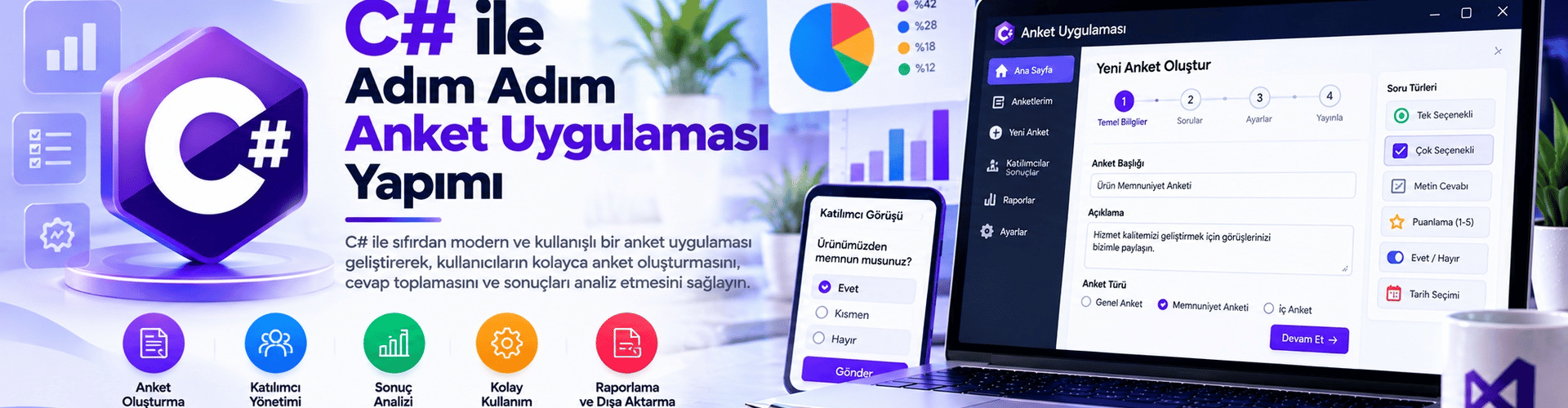
Step-by-Step Survey Application Development with C#
In this guide, you will learn step by step how to build a simple survey application using the C# programming language. The application allows you to ask users questions and collect answers.
Step 1: Creating the Project and Designing the Interface
Open Visual Studio and create a new Windows Forms App (.NET Framework) project.
Design the form:
- Drag the necessary tools from the Toolbox and place them on the form.
- Add a Label to display questions, RadioButton controls for answer options, and two Button controls named btnSonraki and btnSonuc.
Step 2: Defining Questions and Answers
- Create a class to define the Soru structure:
class Soru
{
 public string Metin { get; set; }
 public List<string> Cevaplar { get; set; }
 public int SecilenCevapIndex { get; set; }
}
Step 3: Form Coding
- In the form's code, create a list containing questions and answers:
List<Soru> sorular = new List<Soru>
{
 new Soru
 {
 Metin = "En sevdiğiniz renk nedir?",
 Cevaplar = new List<string> { "Mavi", "Kırmızı", "Yeşil", "Sarı" }
 },
 // Diğer soruları da burada ekleyin
};
Add the code to start the survey when the form loads and to view the results:
int aktifSoruIndex = 0;

private void Form1_Load(object sender, EventArgs e)
{
 SoruyuGoster(aktifSoruIndex);
}

private void btnSonraki_Click(object sender, EventArgs e)
{
 if (aktifSoruIndex < sorular.Count - 1)
 {
 aktifSoruIndex++;
 SoruyuGoster(aktifSoruIndex);
 }
}

private void btnSonuc_Click(object sender, EventArgs e)
{
 SonuclariGoster();
}

private void SoruyuGoster(int index)
{
 // Seçilen soruyu gösterme ve cevapları oluşturma işlemleri
}

private void SonuclariGoster()
{
 // Toplanan cevapları görüntüleme işlemi
}
Step 4: Testing the Application
- Adjust the form design and test the application. Users should be able to answer the questions and view the results.
The application is complete. Users can answer the questions and view the results.