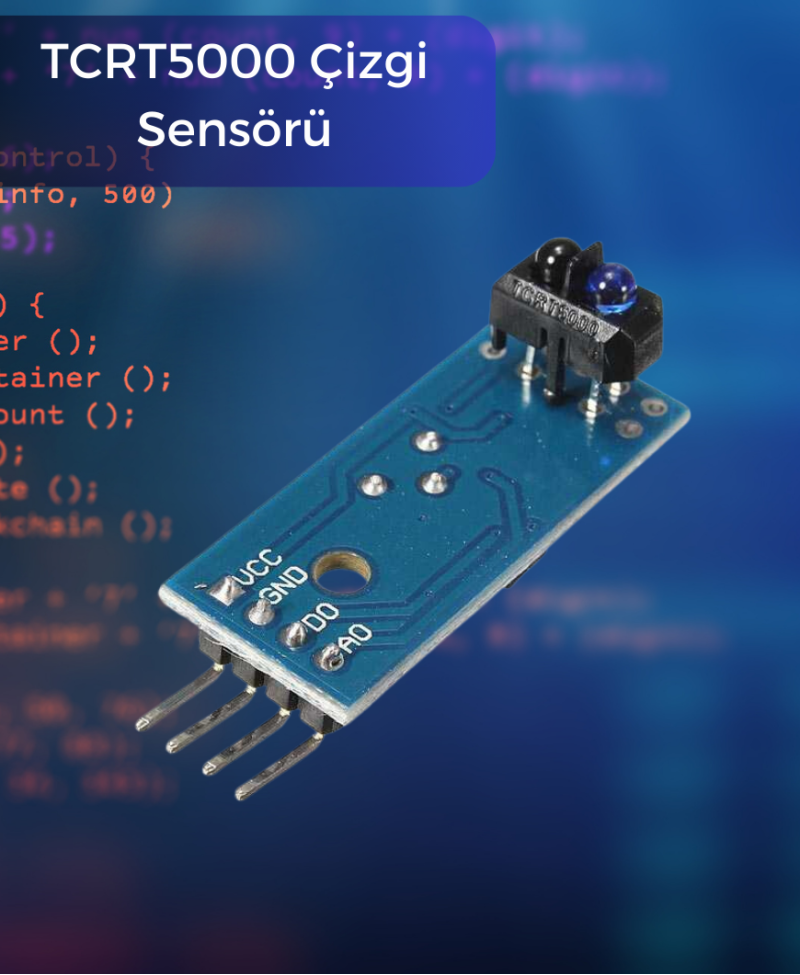
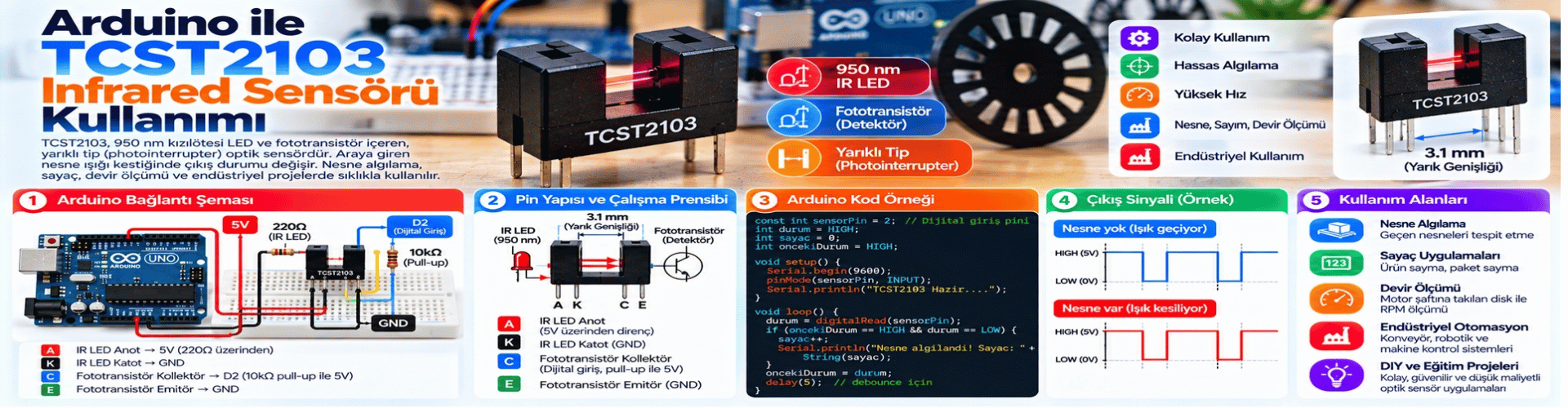
Infrared (IR) line sensors are optical sensors commonly used to detect the movement or position of objects. These sensors work by reflecting or absorbing IR light, which makes them suitable for applications such as line following. In this article, you will learn what the TCST2103 IR line sensor is, how it works, and how to use it with Arduino.
What is the TCST2103 Infrared Line Sensor?
The TCST2103 is a sensor used to detect IR light. It consists of an IR LED and a phototransistor. The IR LED emits IR light, and the phototransistor detects reflected IR light. This basic structure allows us to determine the presence or position of objects by using the IR light that objects reflect or do not reflect.
How Does the TCST2103 Infrared Line Sensor Work?
The TCST2103 works by detecting the intensity of IR light on a surface. If the surface reflects IR light, the sensor receives more IR light. If the surface does not reflect IR light, the sensor receives less IR light. Therefore, the sensor output changes depending on the intensity of the reflected IR light.
Using the TCST2103 Infrared Line Sensor with Arduino
Below is a simple code example that shows how to use the TCST2103 sensor with Arduino:
const int tcstPin = A0; // TCST2103 sinyal pini analog girişe bağlı

void setup() {
  Serial.begin(9600); // Seri iletişim başlat
}

void loop() {
  int sensorValue = analogRead(tcstPin); // Sensör değerini oku
  Serial.println(sensorValue); // Okunan değeri seri monitöre yazdır
  delay(100); // 100 milisaniye bekleyin (istenilen süreyi ayarlayabilirsiniz)
}
This code reads the output of the TCST2103 sensor and sends the value to the serial monitor. Since the sensor output is analog, we use the analogRead() function to read the value. Then, to see this value in the serial monitor, we print it to the serial port using Serial.println().
This basic code can be used as a starting point to read the output of the TCST2103 sensor and monitor the value. You can perform different actions in your projects based on the output value of the sensor.
In this article, we covered the basic usage of the TCST2103 IR line sensor. You can develop applications such as line following or object detection by using this sensor in more complex projects. Happy coding.